Dragon Dining · Yokohama International School

Adding funds to your LunchTab account

We prepare fresh meals every morning, and we're sure your children will enjoy eating with us.

For convenience, all purchases — lunch, snacks, drinks — come from one family balance, itemised by item, cost and person.

Add funds at yis.lunchtab.app
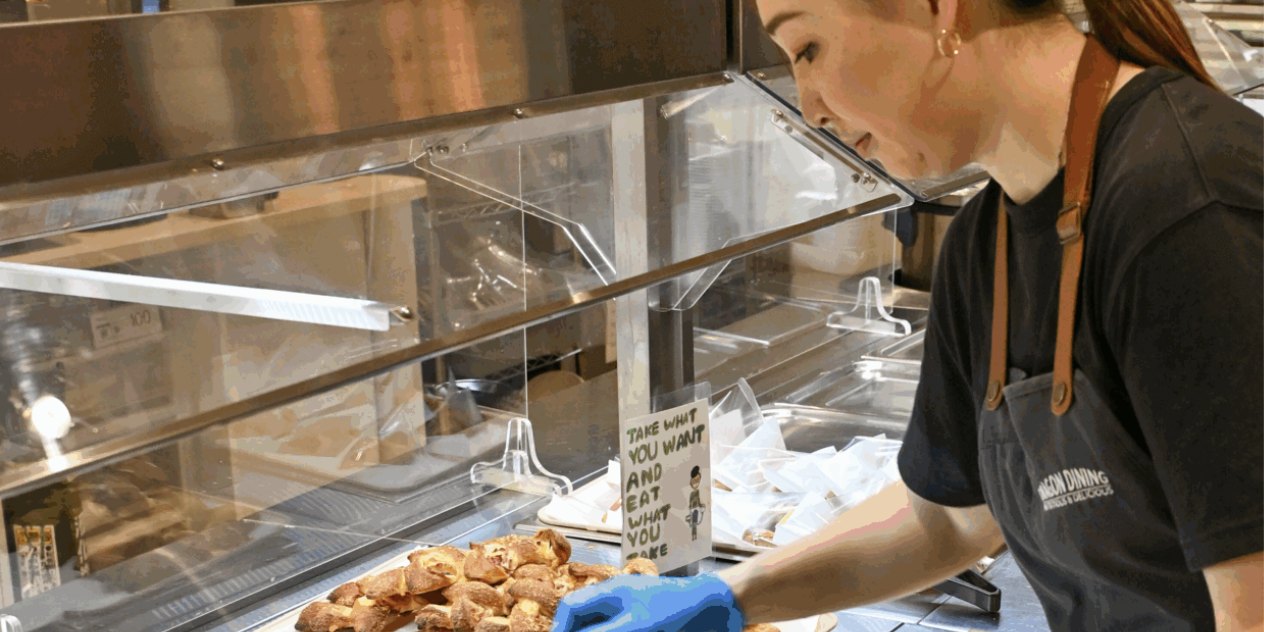
A Dragon Dining team member setting out freshly baked pastries at the cafeteria servery

Three ways to top up

No fee

Cash at the cafeteria kiosk

  • Open during cafeteria hours
  • Minimum ¥1,000

Plus 3.9%

By credit card, online

  • Visit yis.lunchtab.app and press Add Funds
  • Enter an amount from ¥2,000 up, then pay by card or Google Pay
  • The fee and total are shown before you confirm

Plus 3.9%

Auto Recharge

  • Set up once at yis.lunchtab.app
  • Choose a credit card, then set a refill threshold and an amount
  • The account conveniently refills automatically when it runs low

Set a limit on snacks and drinks

Smart spending limits

We encourage all families to consider an appropriate spending limit for their children's snacks and drinks. It's easy to do:

My Family Select child Set spending limit

Secure payments

Card payments are processed by Stripe, one of the world's most trusted and widely used payment providers. Dragon Dining never sees or stores your whole card number or any passwords.

Leaving YIS

When your family leaves YIS, whatever is left on the account is refunded to your payment method.

  • Card payments can only be refunded within 365 days, and up to the value of any one valid top-up
  • Anything beyond that is returned as cash, collected in person from the cafeteria
  • Processing fees already paid are not returned

Need help?

We're happy to assist

Email us at dd@yis.ac.jp or visit the cafeteria.